Let your guests pick the music.
Watch them stay longer.
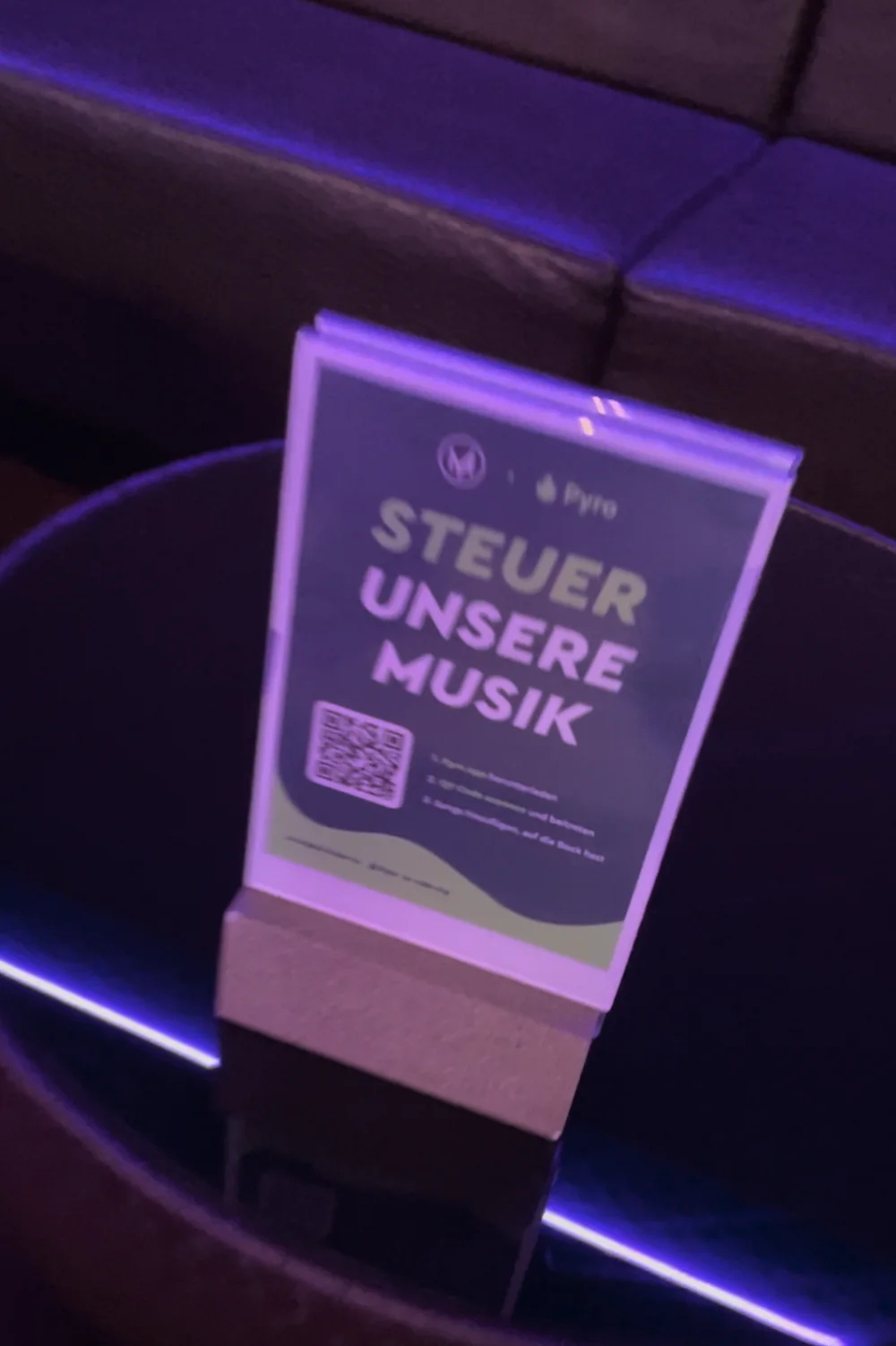
Guests scan a QR code and vote on what plays next. Your staff keep the final say. Live at your venue this week.
No call neededNo commitmentWe reply by email within 1 business day








Vaskeriet in Bergen, Millcreek Common in Salt Lake City and over 100 more venues globally
A guest who is three songs away from their pick does not leave. They order another drink, they wait for it, and they film the screen when it comes on. And nobody asks your staff to change the song.
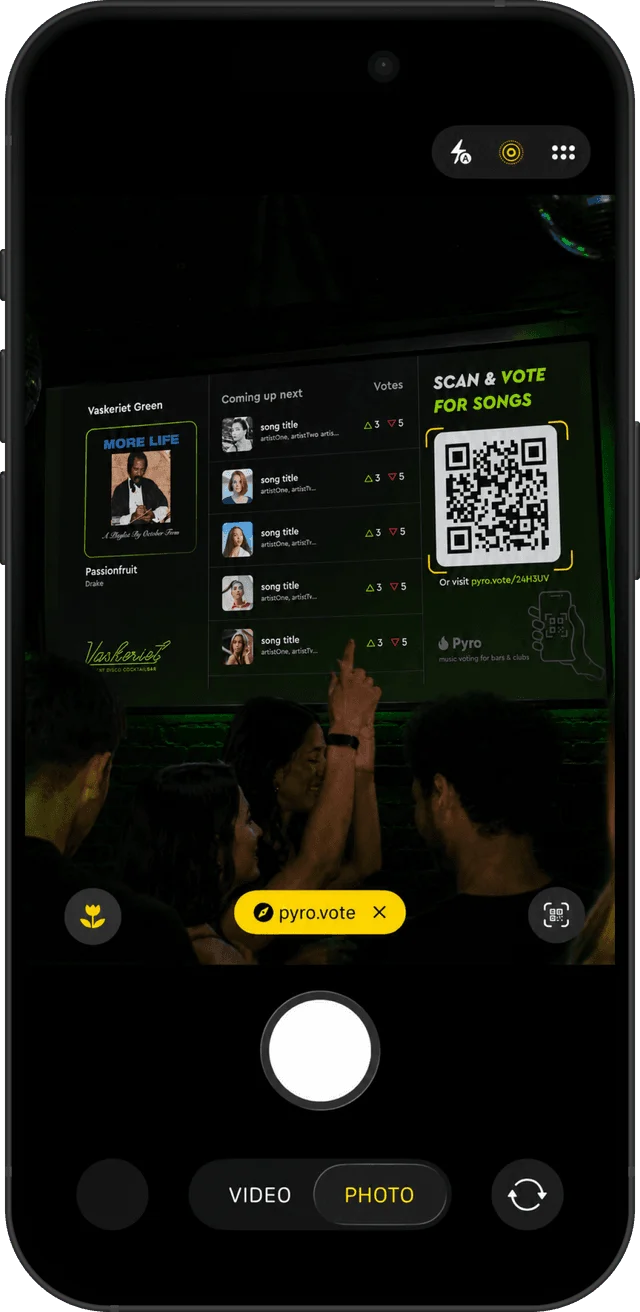
Scan. Vote. No app.
A QR code on the screen or on a poster. The vote runs in the phone browser. No download, no account.
3 in 4 guests who join a venue’s vote cast a vote. Across venues running Pyro, 28 days to 18 October 2026.
Your staff keep control.
Set the rules once. Override anything, any time.
- Block songsTracks you never want, never play.
- Filter explicitOne switch.
- Approved playlistsGuests vote within your sound.
- Vote thresholdsA song needs enough votes to move.
- Replay timeoutsNo song twice in an hour.
- Who can add songsEveryone, some, or nobody.
- Ban usersOne tap removes a troublemaker.
- Override anythingReorder, skip, remove. Always.
The vote, live on your screens.
Now playing, what’s next, the votes and the QR code. In your branding.
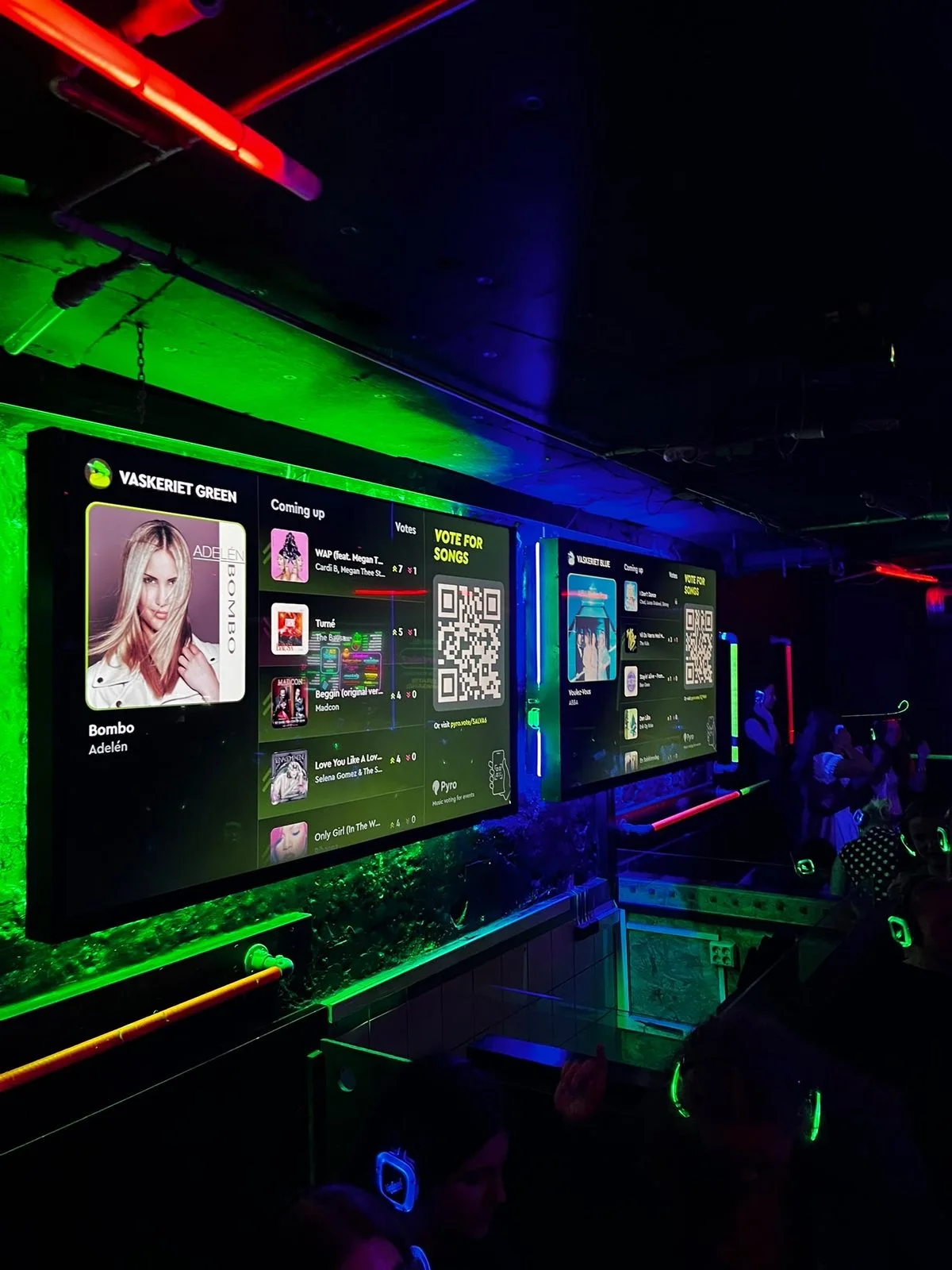
Vaskeriet, Bergen. Business Pro includes the display and your branding.
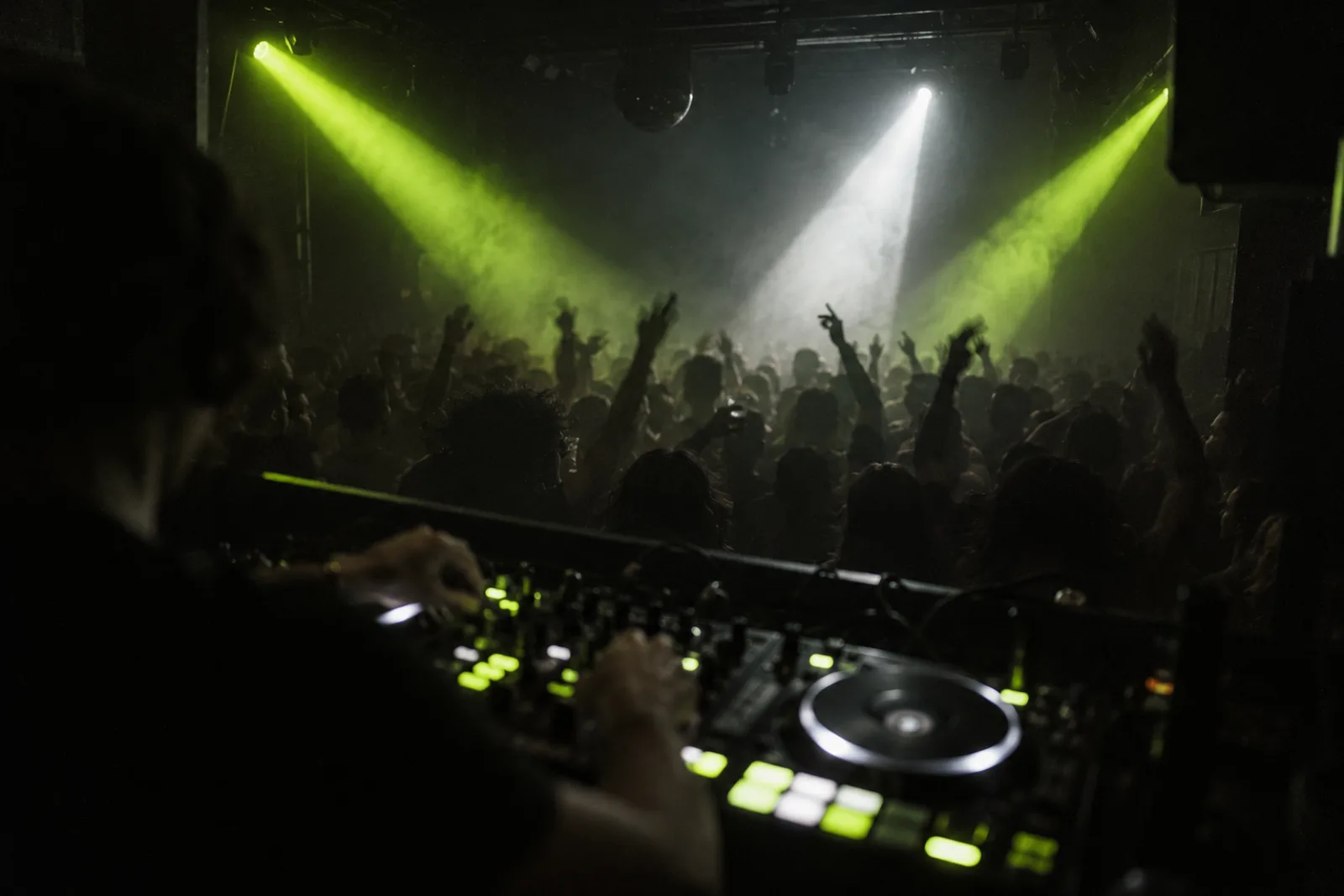
With your DJ, or through your Spotify.

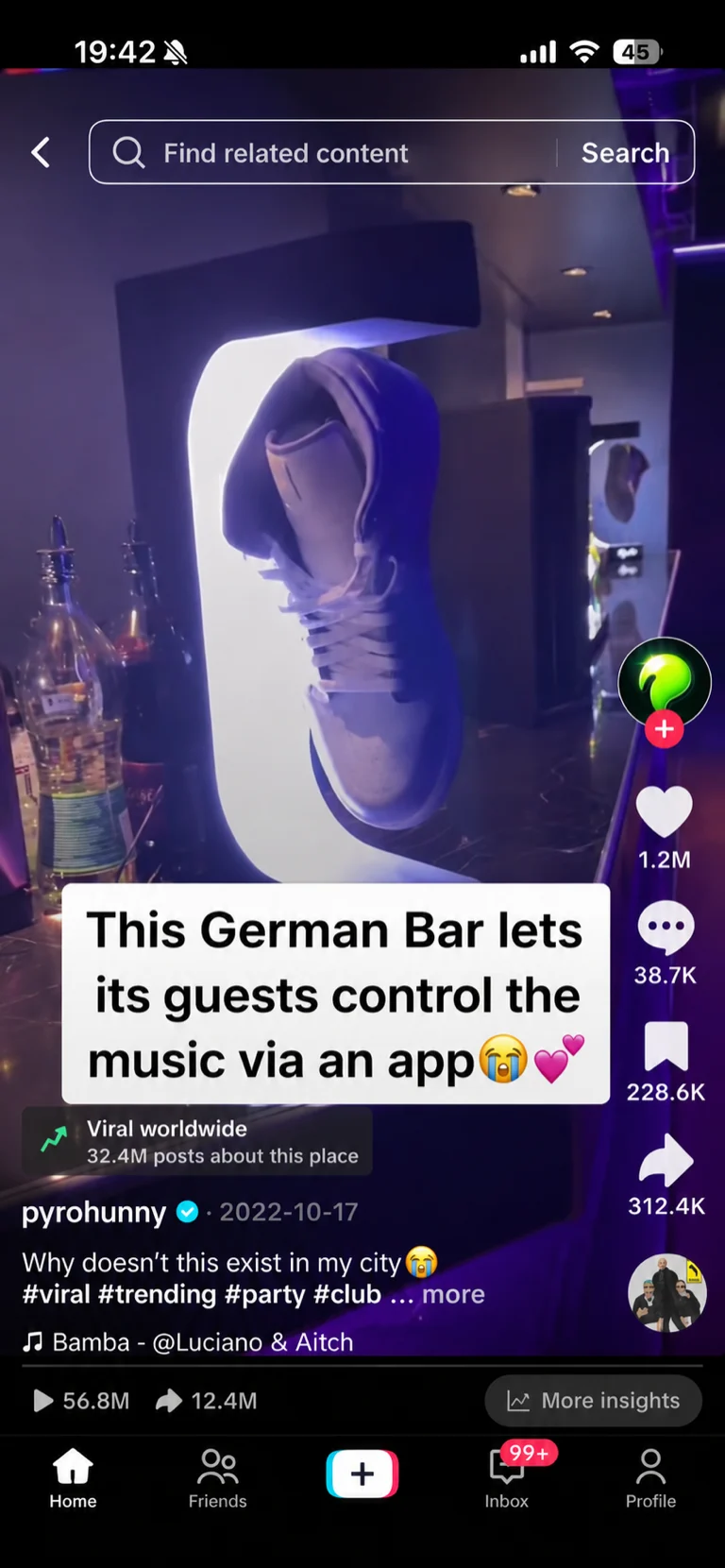
Guests film it. Your venue gets tagged.
The vote on the big screen is the moment people post.
- 84.3Klikes
- 1186comments
- 12.4Ksaves
- 21.7Kshares
One TikTok, filmed by a guest at a bar running Pyro.
Live in your venue this week.
Everything by email. No call, no hardware, no installer.
- Today1Send us your logo.One email, or the form below.
- Within 1 business day2We prepare your setup.Branded QR posters, your screen display and your guest page.
- This week3Your first Pyro night.We check in by email after it.
One yearly price. Every night included.
Unlimited guests. No hardware. No per-night fees.
Several venues? Same price per venue.
For bars running playlists.
For clubs and venues with screens.
Questions owners ask us
No. They scan the QR code and vote in their phone browser.
No. You set the playlists, filters and vote limits. Staff can override anything.
Only if you want it to. With a DJ, Pyro is a request board. Without one, it plays through your Spotify.
A phone or tablet you already have. A screen if you want the live display.
This week. We send your posters and screen setup by email.
$1,999 or $2,499 per venue per year. Unlimited guests and nights.
See Pyro with your logo on it.
We email you your guest page, QR poster and screen display with your logo, plus your price. Free, within 1 business day.
- No call
- No commitment
- Reply by email whenever you’re ready